Guides

Redis’s Database for Arma3 Epoch
Redis generally
Redis is a no-SQL solution for a database. This database solution is based on JSON objects which are stored in the working memory. Editing is possible either in JSON format or as text format via the Redis Desktop Manager.
The recommended Redis GUI is Redis Insight, available here: redis.io/insight
Connect to the Redis database
The Gameserver must be started to connect to the Redis database
The first step is to create a new connection. This is possible via the button Add new Connection :
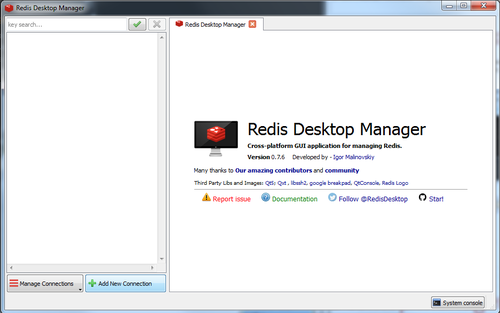
Here it is now necessary to edit the file /arma3/@EpochHive/EpochServer.ini . Here are the connection information needed to register the server in the Redis Desktop Manager.
Name >> Can be chosen as desired Host >> IP in the EpochServer.ini Port >> Port in the EpochServer.ini Auth >> Password in the EpochServer.ini
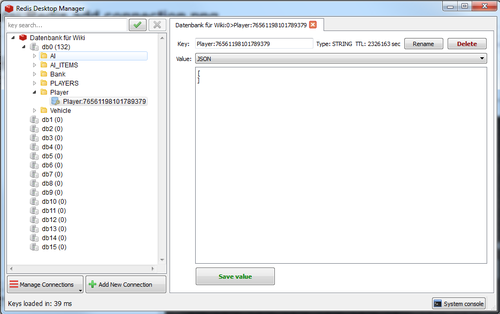
After registering this information and clicking “OK”, the database is displayed in the Redis Desktop Manager. The database that is interesting for us is db0. After the successful connection entries can be edited. This looks something like this: