Guias
How to Add a Resource Pack to Your Minecraft Server
Visuals and audio define the mood of any Minecraft adventure. Whether transforming standard blocks into high-resolution realism or giving tools a medieval aesthetic, custom textures completely overhaul the player experience. In this Nitrado guide, we will show you exactly how to add Minecraft resource packs to server configurations so everyone logging in sees your world the way you intend.
Preparing Your Resource Pack Link
To force a resource pack download, the server requires a direct download link to the file. A standard webpage link will not work, as the server needs to read the raw file data directly.
Upload your chosen .zip file to a trusted file-hosting service like Dropbox. Once uploaded, generate a share link and modify the end of the URL to ensure an automatic download. For example, when using Dropbox, change the ?dl=0 at the end of the URL to ?dl=1.
Getting the SHA-1 Hash (Recommended)
Minecraft uses a SHA-1 hash to verify the integrity of the downloaded file. Providing this hash ensures players download the correct, uncorrupted file and automatically forces an update if you swap the pack later.
Use a free online SHA-1 generator to calculate the hash of your .zip file. Keep this 40-character string handy, as you will need to paste it into your server settings.
How to Add Minecraft Resource Packs to Server
With your direct link and hash ready, it is time to configure the game files.
- Navigate to Settings > Config Files in your Nitrado Web Interface.
- Select the server.properties file from the dropdown menu.
- Locate the resource-pack= line and paste your direct download URL immediately after the equals sign.
- Locate the resource-pack-sha1= line and paste your 40-character hash.
- Save your changes and restart your server.
Pro Tip: A prompt will normally ask players if they want to download the pack upon joining. To guarantee everyone sees your custom textures, locate the require-resource-pack= setting and change it to true. This will disconnect any player who declines the download, ensuring a uniform visual experience for your entire community.
Best Minecraft Resource Packs and Texture Packs
Selecting the right aesthetic sets the foundation for your gameplay. Here are a few community favorites:
Faithful: Doubles the resolution of default textures while maintaining the classic vanilla feel. Perfect for an enhanced standard experience.
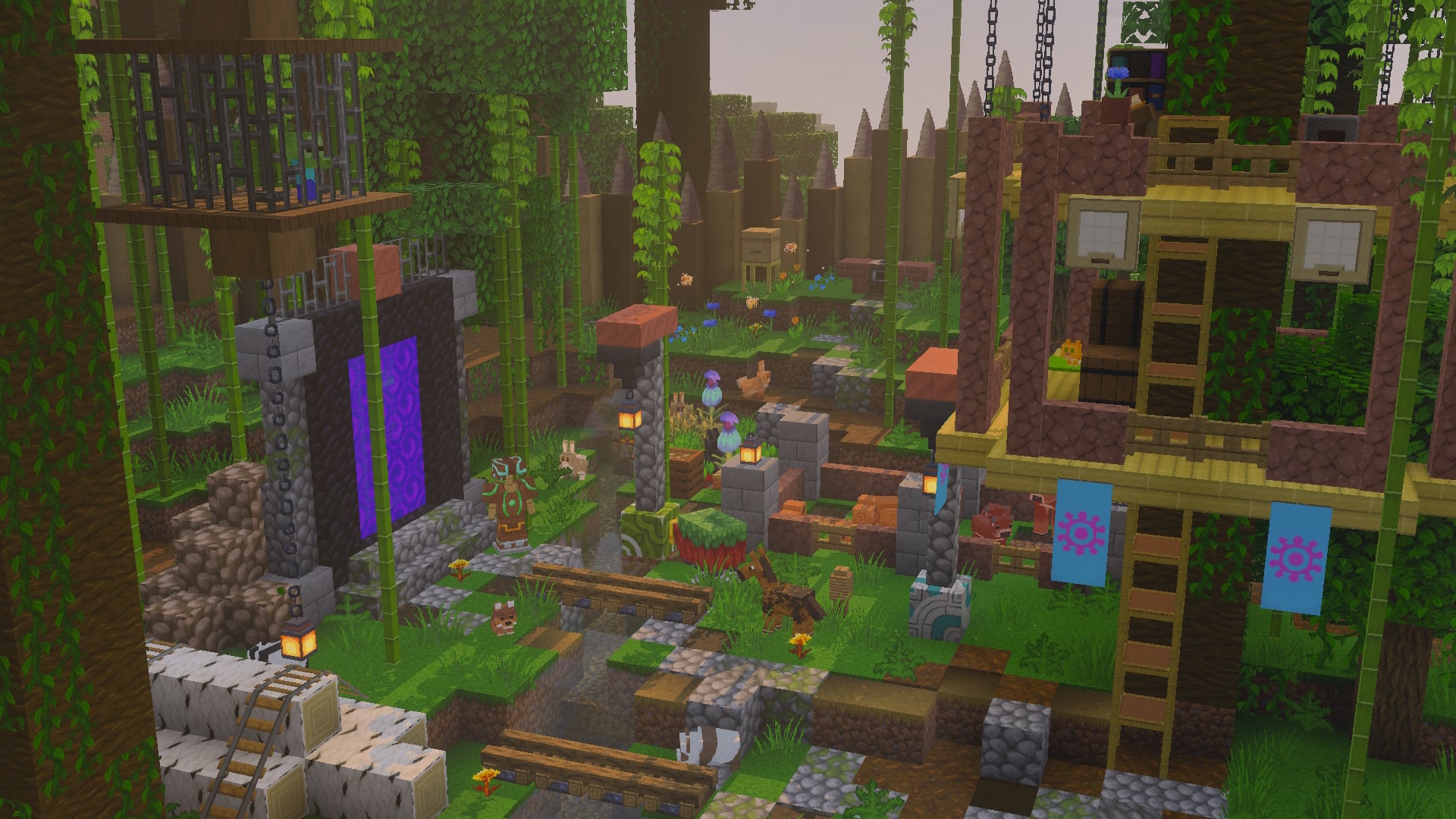
PureBDCraft: Transforms the world into a high-quality, comic-book style landscape with smooth lines and vibrant colors.
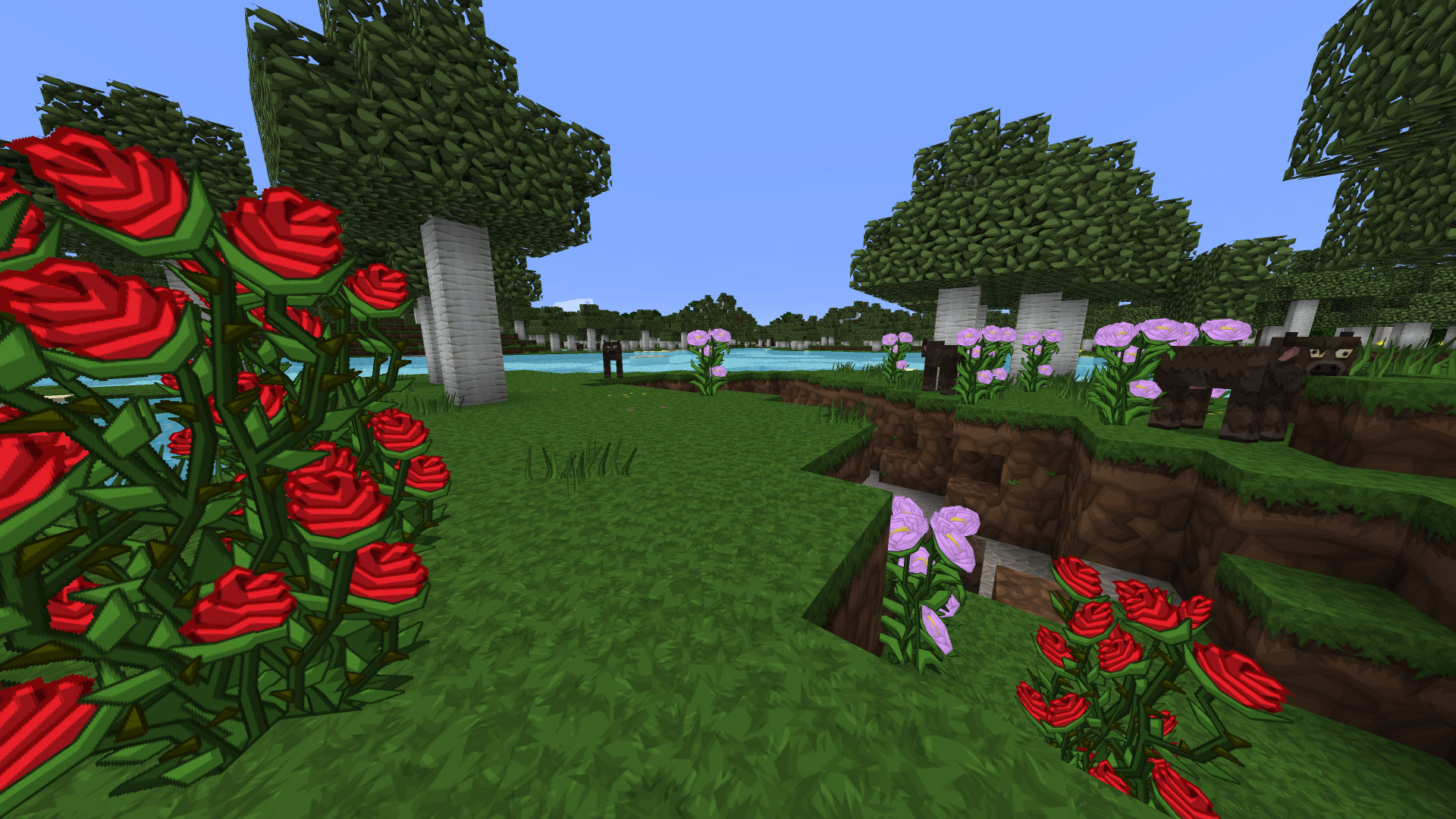
Fresh Animations: Breathes life into your world by completely overhauling default mob animations. This pack gives creatures dynamic, realistic movements, though players will need a custom entity model mod like OptiFine installed locally to see the effects.
Shape Your Ultimate Minecraft World
Customizing the visual atmosphere gives your community a unique identity. By configuring a custom pack, you ensure every player stepping into your realm shares the exact same immersive experience. Take control of your server’s aesthetic, experiment with different styles, and build a world that truly stands out.
Frequently Asked Questions (FAQ)
Why isn’t the pack downloading for my players?
Ensure your URL is a direct download link and not a standard webpage link. Verify that there are no spaces in the URL and that the server.properties file was correctly saved before the server restarted.
Is there a file size limit for server resource packs?
Yes. Depending on your game version, the limit is typically 50MB for older versions and up to 250MB for modern updates (1.18+). If your .zip file exceeds this strict limit, players will not receive the download prompt.
Do I have to use a SHA-1 hash?
Providing a hash is optional but highly recommended. Without it, players might not receive future texture updates if you change the resource pack link without changing the file name.
Preparing Your Resource Pack Link
- Getting the SHA-1 Hash (Recommended)
How to Add Minecraft Resource Packs to Server
Best Minecraft Resource Packs and Texture Packs
Shape Your Ultimate Minecraft World
Frequently Asked Questions (FAQ)
- Why isn’t the pack downloading for my players?
- Is there a file size limit for server resource packs?
- Do I have to use a SHA-1 hash?

